
Burglin' Gnomes FPS and Performance Guide
Improve Burglin' Gnomes FPS with practical settings, driver checks, background app cleanup, and repeatable route testing.
By: Frontline Pathfinder | Lead Content Tester, GameguideHub
Tested on Version: Current public build | Status: FIELD TESTED / PATCH SENSITIVE. FPS behavior can move after graphics, physics, AI, and Steam runtime updates.
Fast answer: use a repeatable test route before changing ten settings at once. Burglin' Gnomes is a physics-heavy co-op game, so FPS drops can come from outdoor view distance, moving household objects, ragdolls, enemy pressure, host/client network stress, and background apps. Start with resolution, display mode, graphics preset, driver update, and a clean Steam restart. If you also have join problems, fix them with the can't join friend guide before measuring performance.
Performance checks
FPS expectations
Do not chase a universal number first. Chase consistency. The current Windows baseline asks for a 64-bit OS, Windows 10, 4 GB RAM, GTX 1650 class graphics, and 7 GB storage at minimum. Recommended hardware raises the target to 8 GB RAM, GTX 1070 class graphics, and a broadband connection. If you are below or near minimum, reduce resolution before blaming one scene.
| Test Pass | What To Measure | Why It Matters |
|---|---|---|
| Lobby / Gnome World | Stand still for 30 seconds after loading. | Separates shader/load stutter from live gameplay drops. |
| Indoor room | Move camera across furniture, drawers, and carried objects. | Physics and clutter can cause frame pacing spikes. |
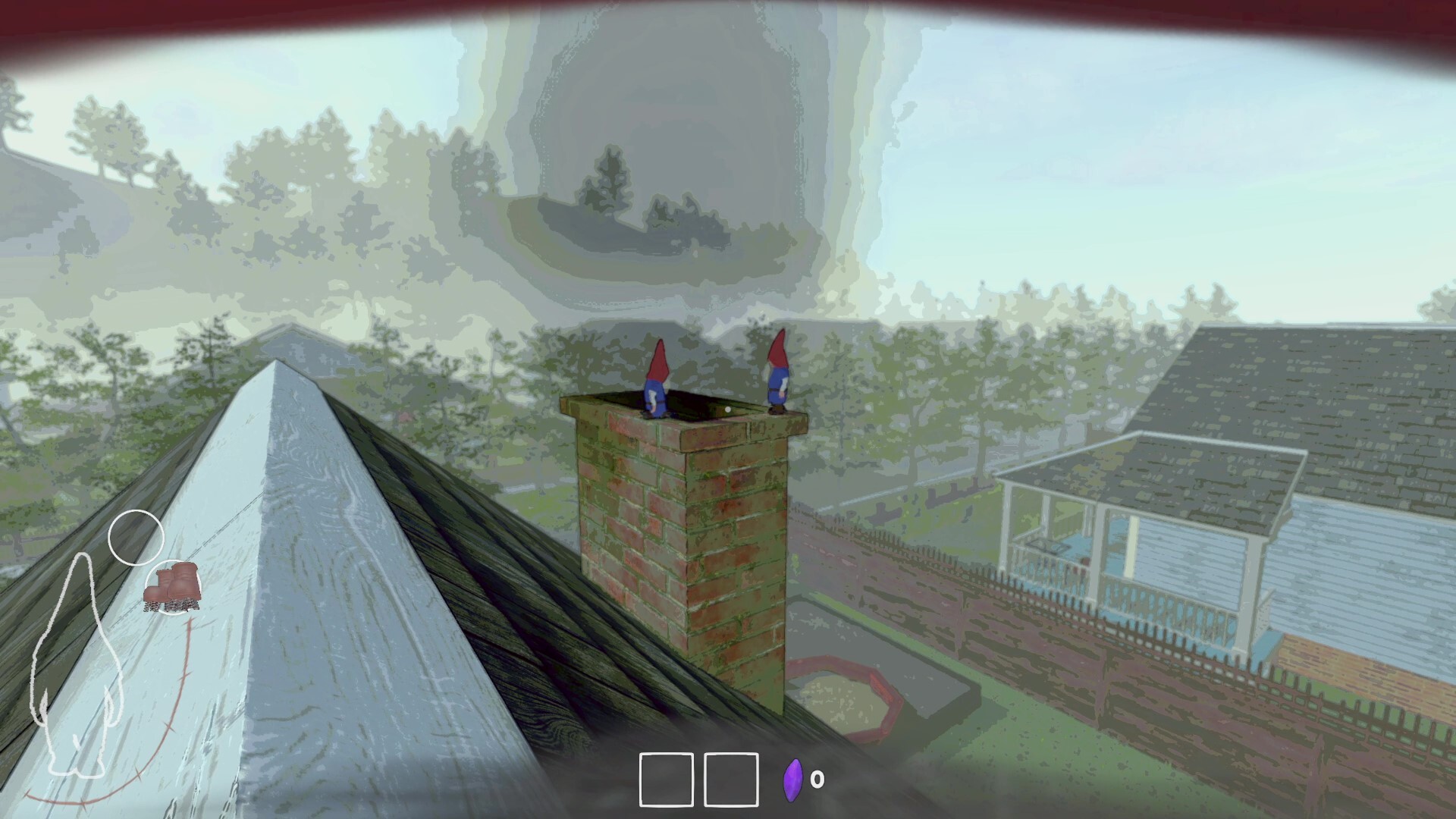
| Outdoor route | Look across grass, porch, yard, and house exterior. | Long sightlines expose GPU pressure fastest. |
| Co-op run | Repeat with one client, then the full group. | Host load and network jitter can feel like FPS drops. |
If the frame drop happens only after someone hosts, revives, or drags multiple objects, treat it as a run-state issue first. If it happens in the same outdoor angle every time, treat it as graphics pressure.
Settings checklist
Change one setting, test the same route, then log the result. Burglin' Gnomes has enough movement noise that random testing gives bad data. Use the table below as the order I would run on a machine that stutters in yard or house-entry routes.
| Priority | Setting / Check | Practical Call |
|---|---|---|
| 1 | Resolution | Drop one step first. It gives the cleanest GPU relief with the least diagnosis time. |
| 2 | Display mode | Use exclusive fullscreen or borderless consistently; do not swap mid-test. |
| 3 | Graphics preset | Move from High to Medium before touching Windows-level tweaks. |
| 4 | VSync / frame cap | Use a stable cap if frame pacing swings hard between indoor and outdoor scenes. |
| 5 | GPU driver | Update, reboot, and retest the same scene. |
| 6 | Background capture | Disable unused overlays, recording, browser video, and launchers for one test run. |
Steam Overlay is the exception: keep it enabled if you need multiplayer invites. If disabling overlays fixes performance but breaks joining, keep Steam Overlay and remove the extra capture/monitoring layers first.
Host and co-op performance traps
Separate FPS from network hitching
A client hitch is not always a graphics problem. In online co-op, a weak host, unstable connection, or overloaded background download can make movement look uneven even when local FPS is acceptable. Test solo first, then host plus one friend, then the full party. If the solo route is clean and co-op is not, use host rotation before lowering every graphics setting.
| Symptom | Likely Bucket | Fix |
|---|---|---|
| Camera feels smooth solo, rough in co-op | Host or network pacing | Change host, stop downloads, retest with one client. |
| Outdoor view tanks every time | GPU / resolution pressure | Drop resolution or preset first. |
| Stutter after loading a new room | Asset/shader/load spike | Wait 30 seconds, repeat path, then judge. |
| Stutter when many objects move | Physics pressure | Clear task items first; avoid dragging piles through the same doorway. |
FAQ
How do you improve FPS in Burglin Gnomes?
Run the same indoor and outdoor route, lower resolution first, test Medium graphics, use a stable frame cap if pacing swings, update GPU drivers, close background capture apps, and retest solo before blaming co-op.
Why does Burglin Gnomes stutter more in co-op?
Co-op adds host state, network timing, extra player physics, item movement, and rescue chaos. If solo is smooth but co-op is rough, rotate host and reduce background network load before cutting visuals further.
Related Guides and Data Pages
- Can't Join Friend Fix - separate network joining from FPS symptoms.
- Controller Support Guide - input checks if performance problems feel like control delay.
- All Task Guide - use consistent routes when measuring performance changes.